


Unable to run DSM7.3 bootloader after upgraded from 7.2 to 7.3
手賤升級到DSM7.3,啟動不了了(更新後無法執行 DSM7.3)
重新編譯引導(loader)啟動後無法開啟 DSM7.2 IP:5000(IP 無法訪問,或者 https://finds.synology.com 也無法查找到設備)
Panic!!!
Solution:
Downgrade(降級) from DSM7.3 to DSM7.1(42962)
=====================================
The trade off is loosing the system setup, but data file are still kept.
Why?
Because that if you choose to keep system and file both option, it will prompt "Failed to install DSM, Available system space is insufficient". So, the only option is to select "to keep file only" option.
Q: Why DSM7.1 and not the DSM7.2?
A: 需要半白才能安裝?
On Proxmox IP:8006 portal:
====================
To VM Shell: >> hp103 >> >_Shell
qm importdisk 100 /var/lib/vz/template/iso/rr.img local-lvm
#Assume that the VM for the NAS/DSM is on ID:100
Run the VM ID#100
Open the VM console >> menu.sh
>> Advanced option >> a: Allow downgrade installation
>> Select model >> ...
>> Select version >> DSM7.1
>> Select recompile the loader
>> reboot
Source:
======
Download the latest loader image: https://github.com/RROrg/rr
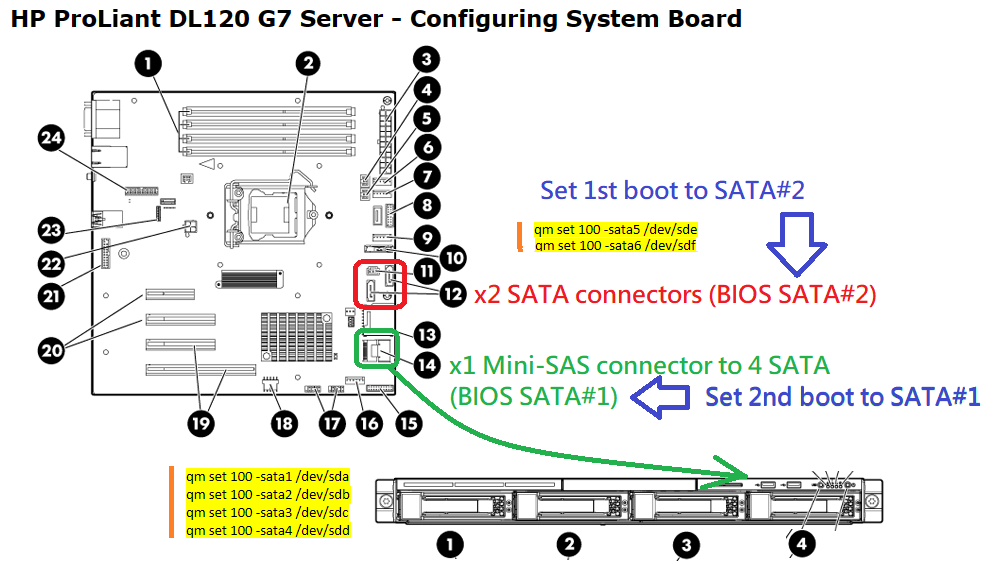
Upload the rr.img to local-lvm >> run qm command to make it as SATA0 as 1st bootable drive.
Download pat: https://archive.synology.com/download/Os/DSM/7.1-42661-1-NanoPacked
Labels: bootloader, Downgrade(降級), DSM7.1, DSM7.3, Proxmox, rr.img, RROrg, 升級到DSM7.3, 半白, 引導(loader), 無法開啟 DSM7.3
posted by charlih | 9:06 AM
|
0 comments